
Your web hosting provider is the single most important infrastructure decision you’ll make for your website. A fast, reliable host means happy users, better Google rankings, and fewer sleepless nights. A bad host means slow load times, mysterious downtime, and customer support that takes three days to respond to a ticket.
I’ve worked with dozens of hosting providers across client sites and my own projects over the past 14 years. The five below are the ones I trust and recommend today, based on real-world performance rather than commission rates.
If you’re building a complete website rather than migrating an existing one, start with the How To Create Your Own Website guide, which covers the hosting setup process step by step.
What to Look for in a Web Host
- Uptime reliability — 99.9% minimum; anything below that is unacceptable
- Server speed and global CDN availability
- One-click WordPress install and easy management dashboard
- Customer support quality: live chat, phone, and knowledgeable staff
- Honest pricing: what does it cost at renewal, not just the intro rate?
- Security features: SSL, daily backups, DDoS protection, malware scanning
#1 — SiteGround: Best for Speed and Support

SiteGround is the host I recommend most consistently to clients who care about performance and reliability. Built on Google Cloud infrastructure and using their proprietary SuperCacher technology, SiteGround delivers consistently fast load times across their data centers in North America, Europe, Asia, and Australia.
Where SiteGround really distinguishes itself is customer support. The live chat team is genuinely knowledgeable — not just running through a script. In my experience, complex technical issues that would take days to resolve with other hosts get sorted within a single chat session. For non-technical business owners, that peace of mind is worth a premium.
- Price: From $2.99/mo introductory; renews at ~$14.99/mo (StartUp)
- Best for: Small businesses, WordPress sites, users who value support quality
- Pros: Top-tier performance, excellent support, free SSL/CDN/daily backups, staging
- Cons: Renewal pricing is significantly higher than intro; storage limits on lower plans
#2 — Bluehost: Best for Beginners
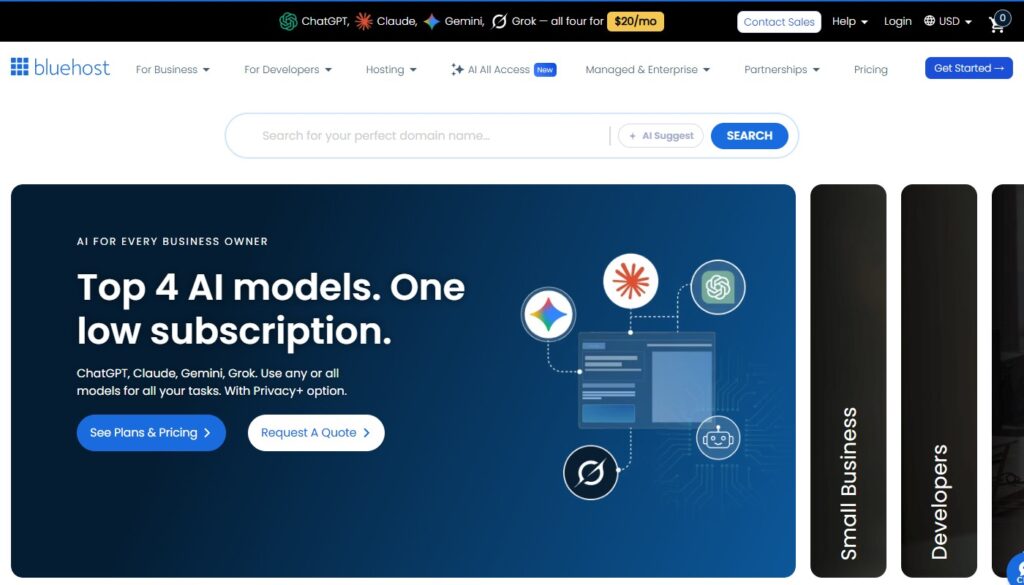
Bluehost is the official WordPress.org-recommended host, and for beginners, it remains one of the most frictionless paths from “zero” to “live WordPress site.” The onboarding experience is thoughtful: one-click WordPress install, a guided site setup wizard, and a domain name included free for the first year.
Performance-wise, Bluehost is solid for low-to-medium-traffic sites. It’s not the fastest host on this list, but for a new blog or small business site, the gap isn’t meaningful — and the setup simplicity and affordable pricing more than compensate.
- Price: From $2.95/mo introductory; renews at ~$9.99/mo
- Best for: First-time website owners, bloggers, simple business sites
- Pros: Beginner-friendly, WordPress-recommended, free domain, easy setup
- Cons: Performance degrades on high traffic; aggressive upsells during checkout
Starting a blog on WordPress? Bluehost pairs perfectly with the step-by-step guide in How To Start A Blog And Make Money
#3 — Kinsta: Best Managed WordPress Hosting
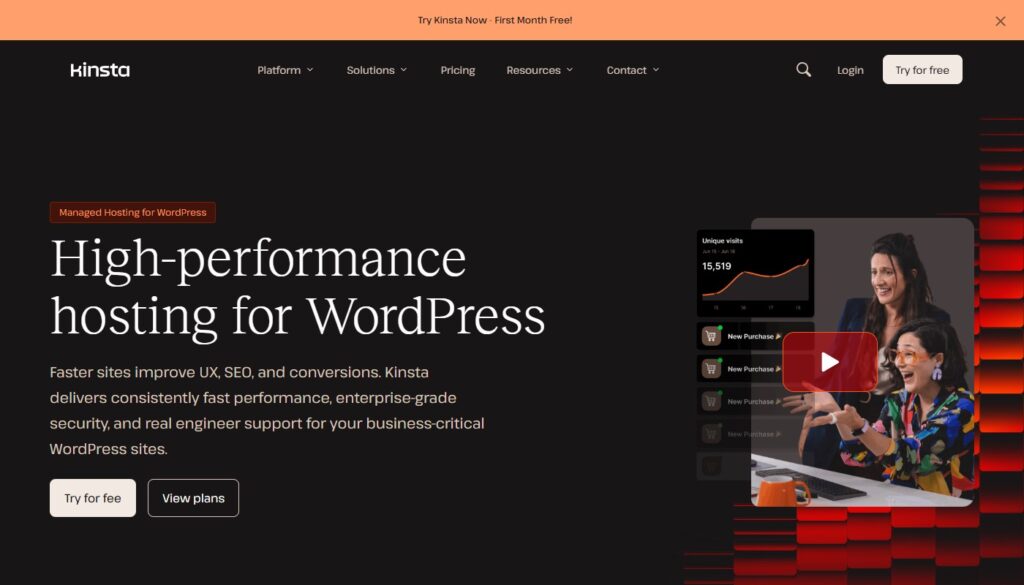
Kinsta is a premium managed WordPress hosting provider that operates entirely on Google Cloud Platform. Every plan includes automatic daily backups, a built-in CDN, a staging environment, and a clean, developer-friendly dashboard called MyKinsta. If you’re running a serious blog, WooCommerce store, or high-traffic business site, Kinsta’s infrastructure is in a different league from shared hosting.
The price reflects the quality. Kinsta is not cheap, but for businesses where site speed and reliability directly affect revenue, the cost-benefit analysis is straightforward. Faster sites rank better, convert better, and retain users longer.
- Price: From $35/mo (Starter plan)
- Best for: High-traffic WordPress blogs, WooCommerce stores, agencies, SaaS
- Pros: Best-in-class performance, Google Cloud infrastructure, automatic backups, staging
- Cons: Premium pricing; not practical for hobby sites or tight budgets
#4 — Hostinger: Best Budget Hosting

Hostinger has built a remarkable reputation for delivering genuinely good hosting at prices that seem almost impossibly low. Their Single plan is one of the cheapest in the industry, yet the servers are fast (they use LiteSpeed), the custom hPanel is clean and intuitive, and uptime is consistently above 99.9%.
For bloggers, side projects, or small business owners who simply can’t justify $15+/month on hosting in the early stages, Hostinger is an honest recommendation. You’re not compromising on quality as much as the price would suggest.
- Price: From $1.99/mo introductory (with longer billing cycles)
- Best for: Bloggers, budget-conscious entrepreneurs, multiple small sites
- Pros: Extremely affordable, LiteSpeed servers, clean hPanel, good uptime
- Cons: Support can vary in quality; limited features on basic plans
#5 — WP Engine: Best Enterprise WordPress Hosting
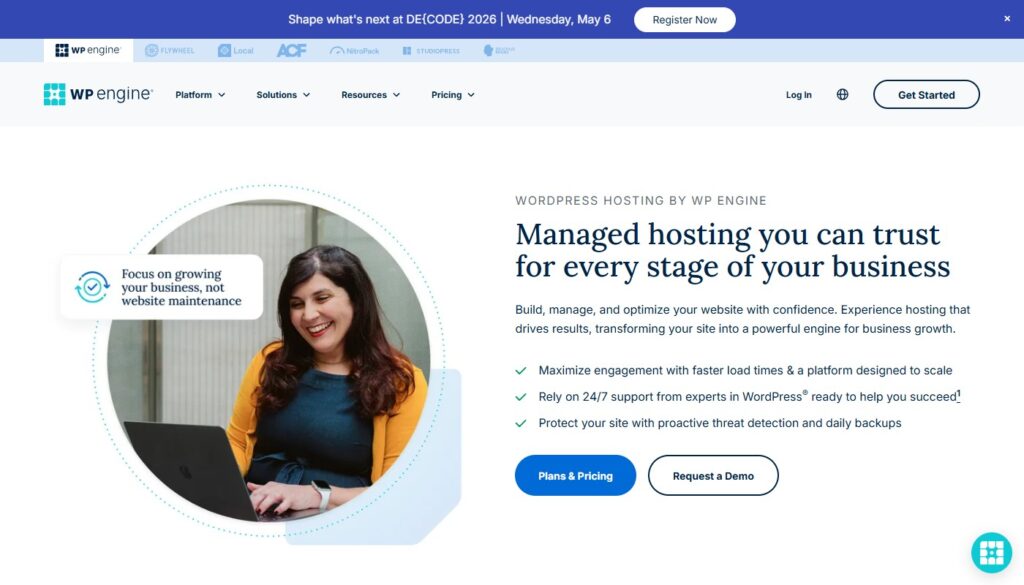
WP Engine is the managed WordPress host of choice for enterprise clients and agencies managing multiple high-traffic sites. Their Smart Plugin Manager automatically keeps WordPress plugins updated and tested, their security infrastructure is enterprise-grade, and their dedicated support team has deep WordPress expertise.
The platform also includes the Genesis Framework and a library of premium StudioPress themes at no extra cost, which alone represents significant value for agencies.
- Price: From $25/mo (Startup plan)
- Best for: Agencies, enterprises, high-traffic WooCommerce, mission-critical sites
- Pros: Best security and performance, Genesis framework included, excellent developer tools
- Cons: High price; no email hosting included; limited to WordPress
My Final Recommendation
For most people starting out: Bluehost or Hostinger for the budget, SiteGround if you want the best balance of performance and support. For established sites where speed matters to revenue: Kinsta or WP Engine.
One thing that often gets overlooked: hosting speed works in concert with your website platform and SEO setup. A fast host with poorly optimized content won’t rank. Make sure you’re investing in all three areas together.
Related Reading: Best SEO Tools — pair your fast host with the right SEO tools for maximum organic growth
You might also like: Best Website Builders — prefer an all-in-one solution without managing hosting separately?