
SEO tools are non-negotiable if you’re serious about growing organic traffic. But the market is crowded, the pricing is confusing, and the feature overlap between platforms makes it genuinely difficult to know where to invest. I’ve been doing SEO professionally for 14 years and have cycled through most of the major tools. These five are the ones I actually use and recommend to clients.
Whether you’re a blogger just starting out, a small business owner trying to rank locally, or a marketing professional managing multiple sites, there’s a right-sized tool for your situation — and most of you don’t need to spend $150/month to get started.
SEO starts before you touch a keyword tool — it starts with choosing the right platform. Read the Best Website Builders guide to understand which platforms give you the best SEO foundation.
What a Good SEO Tool Actually Does
The marketing copy for SEO tools can make them sound like magic. They’re not. What a good SEO tool does is give you accurate data faster than you could gather it manually: keyword search volumes, competition levels, what your competitors are ranking for, which backlinks they have, where your site has technical problems, and how your rankings are changing over time.
That data is only as useful as what you do with it. The best tool in the world won’t rank your site. But it will tell you exactly what to work on — which is the next best thing.
- Keyword research: monthly search volume, keyword difficulty, related terms, question queries
- Competitive analysis: what your competitors rank for, their top pages, their backlink profiles
- Site audit: technical errors, crawl issues, Core Web Vitals, duplicate content
- Rank tracking: which positions are you holding and how are they trending?
- Backlink analysis: who links to you, who links to competitors, and link quality metrics
#1 — Ahrefs: Best All-Around SEO Platform

Ahrefs is the primary tool in my SEO workflow and has been for years. Its backlink database is the most comprehensive in the industry — and backlinks remain one of the two most important ranking factors in Google’s algorithm. The Keywords Explorer provides incredibly detailed data including click-through rate estimates, parent topic groupings, and traffic potential scores that go beyond simple search volume.
The Site Audit tool is top-class for technical SEO: it crawls your entire site and presents issues in a clear, prioritized format, so you know exactly what to fix first. The Content Gap tool is particularly useful for competitive research — it shows keywords your competitors rank for that you don’t, which is essentially a ready-made content strategy.
- Price: From $129/mo (Lite plan); $249/mo (Standard); $449/mo (Advanced)
- Best for: SEO professionals, agencies, serious content marketers
- Pros: Best backlink database, excellent keyword explorer, outstanding site audit
- Cons: Expensive; limited functionality on the Lite plan; no free trial (only a $7 trial)
#2 — Semrush: Best for Digital Marketing Breadth
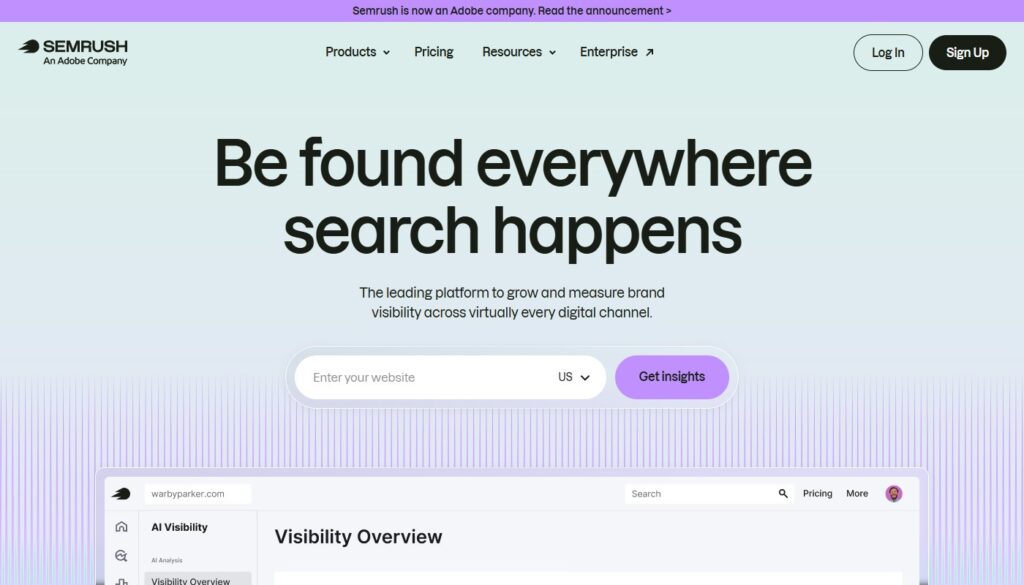
Semrush competes directly with Ahrefs and in some respects exceeds it. The keyword database is slightly larger, and Semrush covers paid search (PPC) research, social media analytics, and content marketing tools that Ahrefs doesn’t touch. If you want a single platform that covers SEO, PPC, social, and content in one place, Semrush is the answer.
The Position Tracking feature is excellent for monitoring local search rankings — particularly useful for businesses targeting a specific geographic area. The On-Page SEO Checker generates specific, actionable improvement ideas for individual pages, which is useful for teams who want to systematize their optimization process.
- Price: From $139.95/mo (Pro); $249.95/mo (Guru); $499.95/mo (Business)
- Best for: Marketing teams, agencies, PPC + SEO integration, local businesses
- Pros: Broadest feature set, excellent keyword data, strong local SEO tools, content marketing suite
- Cons: Expensive; can feel overwhelming for SEO-only users; some data accuracy gaps vs Ahrefs
Pro Tip: Thinking of running a blog alongside your SEO strategy? Read the full monetization breakdown in How To Start A Blog And Make Money.
#3 — Google Search Console: Best Free Tool (Non-Negotiable)
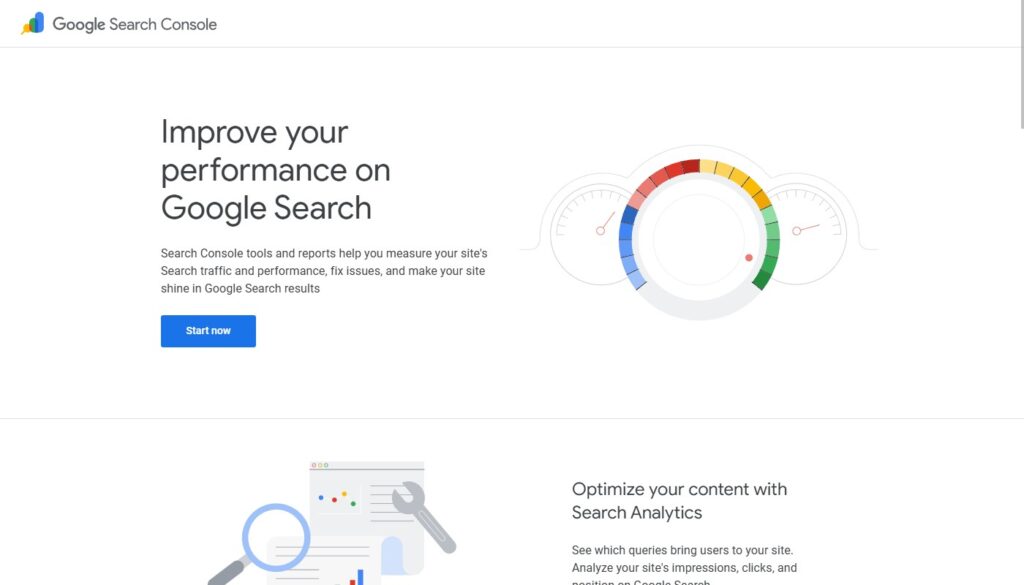
Google Search Console is the most important SEO tool you own, and you’re not paying anything for it. It shows you exactly what Google knows about your site: which queries are triggering your pages to appear in search results, what your actual click-through rates are, which pages have indexing or crawl errors, your Core Web Vitals performance scores, and whether you have manual penalties.
Unlike third-party tools that estimate this data, GSC provides it directly from Google. It should be the first thing you install on any new website, connected before you’ve even published your first post. There is absolutely no substitute for it at any price.
- Price: Free
- Best for: Every website owner, without exception
- Pros: Direct data from Google, free, essential for diagnosing indexing issues
- Cons: Limited to your own site; no competitor data; limited historical data (16 months)
#4 — Ubersuggest: Best Budget SEO Tool
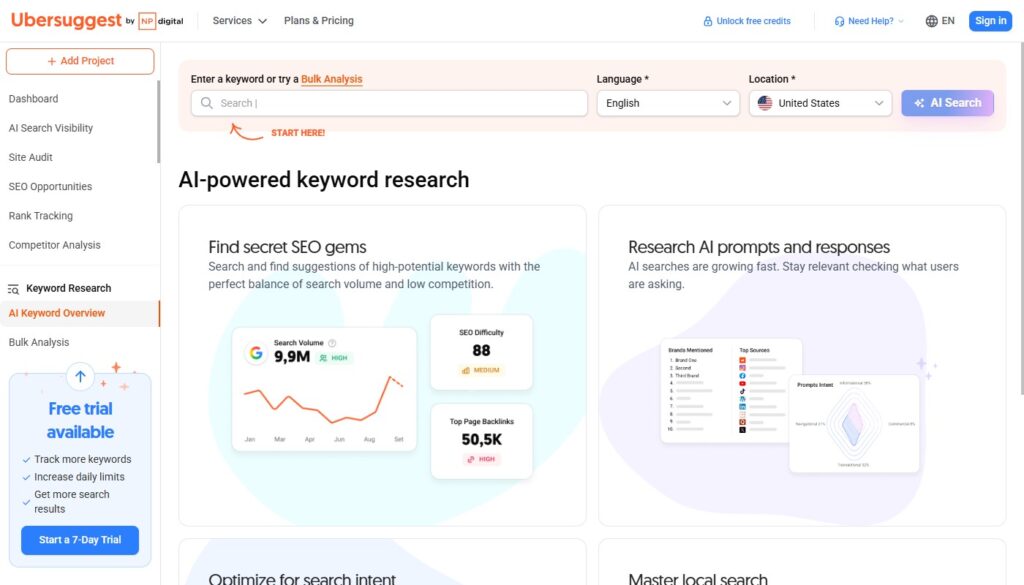
Ubersuggest, built by marketing entrepreneur Neil Patel, offers a solid subset of core SEO features at a fraction of the cost of enterprise platforms. You get keyword research, backlink data, a site audit tool, and rank tracking — enough to drive a genuine SEO strategy for a blog or small business site.
The lifetime deal option ($290 one-time for the Individual plan) is genuinely exceptional value for bloggers and small business owners who don’t need agency-level data but want a permanent tool without a monthly subscription. For the cost of two months of Ahrefs Lite, you can own Ubersuggest forever.
- Price: Free (limited); from $29/mo, or $290 lifetime — best deal in SEO tools
- Best for: Bloggers, small business owners, budget-conscious marketers
- Pros: Very affordable, easy to use, excellent lifetime deal, covers core SEO needs
- Cons: Data accuracy doesn’t match Ahrefs/Semrush; smaller backlink database
#5 — Surfer SEO: Best for Content Optimization
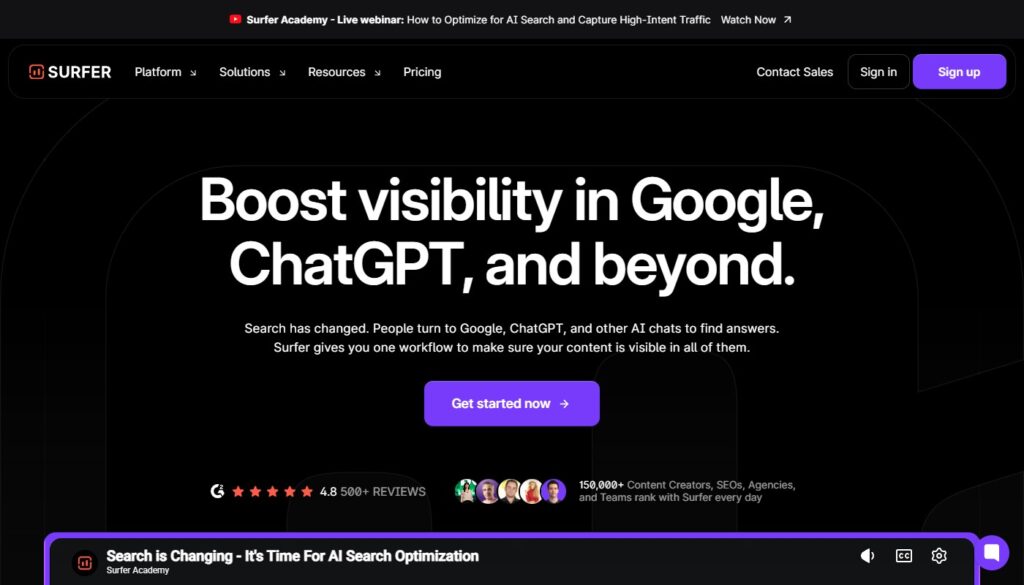
Surfer SEO takes a different approach from the rest of this list. Instead of keyword research or backlink analysis, it focuses entirely on one question: how do I optimize this specific piece of content to rank for this specific keyword? Surfer analyzes the top 10–20 ranking pages for your target keyword and reverse-engineers the patterns — word count, heading structure, keyword density, NLP entities, page structure — that correlate with high rankings.
The result is a real-time content score as you write (via the Google Docs or WordPress integration) and a detailed Content Brief that writers can follow to produce ranking-optimized articles without SEO expertise. I use Surfer on most of my long-form content projects, and the difference in speed and consistency of results versus writing without it is significant.
- Price: From $89/mo (Essential plan)
- Best for: Content writers, bloggers, SEO teams producing regular long-form content
- Pros: Data-driven content optimization, real-time scoring, excellent Google Docs integration
- Cons: Single-purpose tool; needs a keyword research tool alongside it; relatively expensive
My Recommended SEO Stack by Budget
Just starting (under $30/mo): Google Search Console (free) + Ubersuggest ($29/mo). Covers 80% of what most beginners need.
Serious blogger ($100–150/mo): Google Search Console + Ubersuggest + Surfer SEO. Add Surfer once you’re publishing regularly.
Professional/agency ($300+/mo): Ahrefs or Semrush + Surfer SEO + Google Search Console. The complete stack for serious results.
⭐ You might also like: Best Online Marketing Tools — SEO is just one channel; here’s how to round out your strategy