
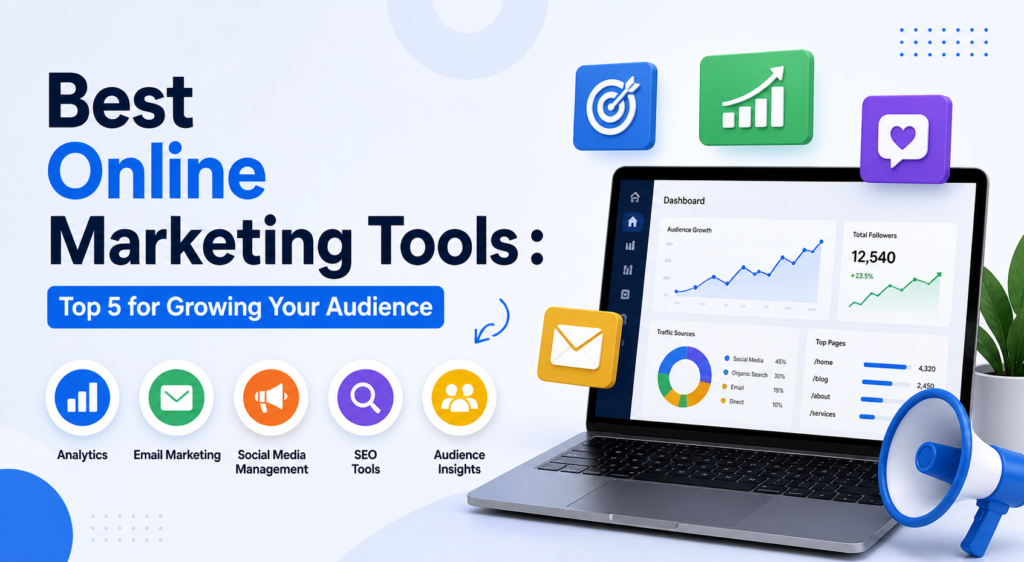
Getting a website built and ranking on Google is only half the battle. The other half is building an audience, nurturing relationships with potential customers, and converting traffic into revenue. That’s where online marketing tools come in — and choosing the right ones can be the difference between a website that quietly sits there and one that actively drives business growth.
I’ve used all five tools on this list in real client and personal projects. My criteria: Does it actually work? Is it reasonably priced? And can a non-developer set it up without losing a week of their life?
These tools work best when your website is already optimized for organic traffic. Before investing heavily in marketing tools, make sure your SEO foundation is solid — the Best SEO Tools guide covers the tools that make that possible.
Why a Marketing Stack Matters
No single tool covers all your marketing needs. The most effective small business marketers use a deliberately chosen “stack” — a small set of complementary tools that cover different stages of the customer journey. Typically that means: a tool for capturing leads (forms, landing pages), a tool for nurturing them (email marketing), a tool for researching and engaging your audience (surveys), and a tool for maintaining visibility (social media scheduling).
The mistake most beginners make is either investing in none of these tools (and wondering why their traffic doesn’t convert) or investing in too many (and spending more time managing tools than marketing). The goal is the minimum effective stack.
- Lead capture: forms, landing pages, calculators
- Email marketing and automation: build relationships at scale
- Audience research: understand what your audience actually wants
- Social media: maintain consistent visibility across platforms
- Analytics: understand what’s working and double down on it
#1 — Mailchimp: Best for Email Marketing Beginners
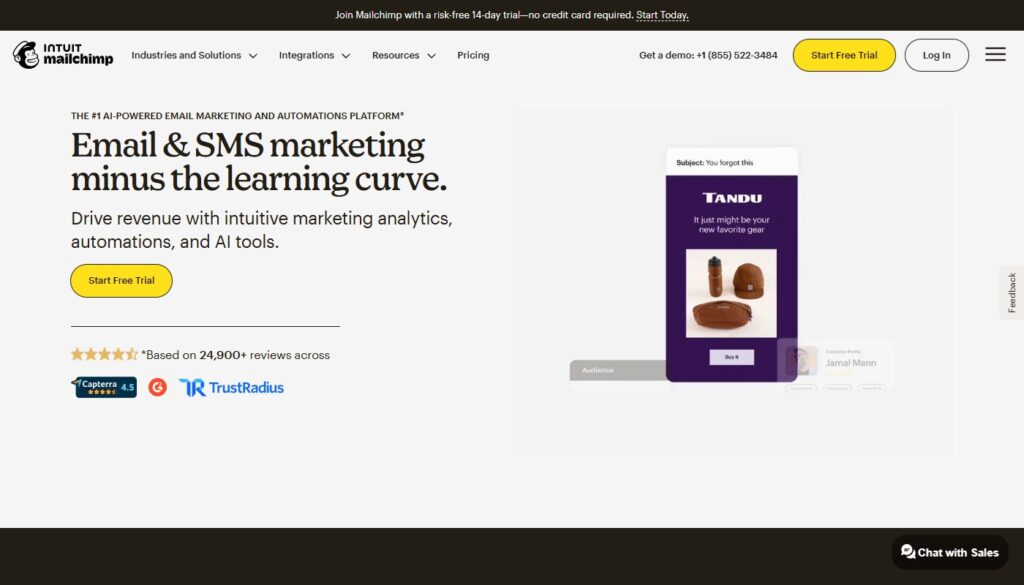
Mailchimp is the world’s most widely used email marketing platform, and for beginners, it’s still the easiest way to start. The email builder is intuitive, the free plan is genuinely generous (up to 500 contacts with 1,000 emails/month), and the integration list covers virtually every website builder, CRM, and e-commerce platform you’re likely to use.
The automation capabilities have improved significantly in recent years. You can now build multi-step customer journeys, segment audiences by behavior, and trigger emails based on actions like website visits or purchase history. It’s not the most sophisticated automation platform on the market, but for most small businesses and bloggers, it’s more than enough.
- Price: Free up to 500 contacts; paid plans from $13/mo
- Best for: Small businesses, bloggers, early-stage e-commerce
- Pros: Easy to use, generous free plan, wide integrations, solid automation
- Cons: Pricing increases steeply as list grows; limited automation on lower plans
Related Reading: How To Start A Blog And Make Money — email list building strategy for new bloggers
#2 — ConvertKit: Best for Content Creators and Bloggers
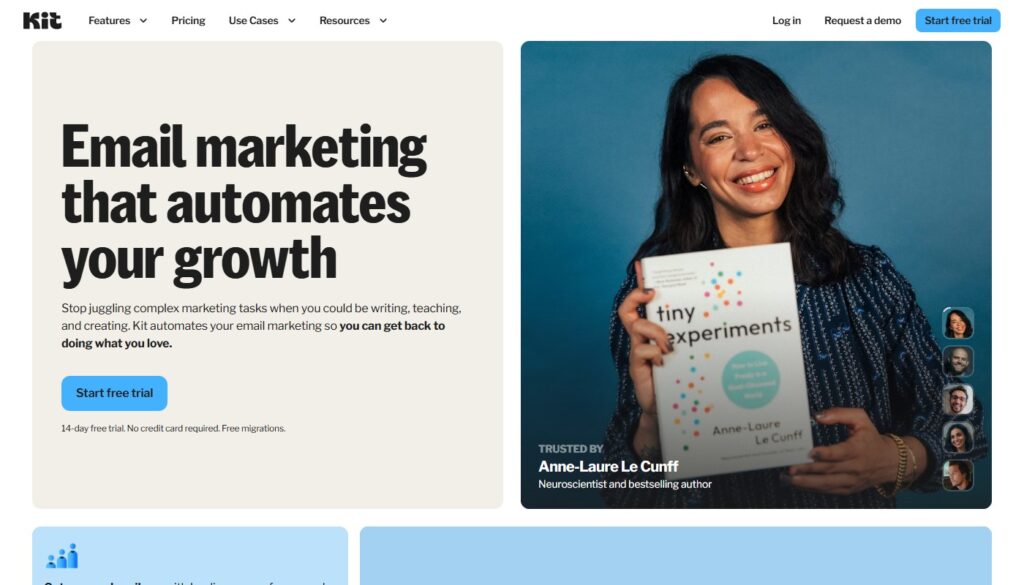
ConvertKit was built specifically for creators — bloggers, podcasters, YouTubers, newsletter writers, and course sellers. Everything about the product is designed for someone building an audience around their expertise: the visual automation builder lets you design sophisticated email sequences triggered by subscriber behavior, the tagging and segmentation system is excellent, and the landing page templates are creator-focused and clean.
The subscriber management model is different from Mailchimp: ConvertKit tags and segments rather than putting subscribers into separate lists, which means you can send highly personalized emails to specific audience segments without managing the messy multi-list complexity that plagues Mailchimp accounts as they grow.
- Price: Free up to 1,000 subscribers; paid from $25/mo
- Best for: Bloggers, course creators, newsletter writers, coaches, consultants
- Pros: Designed for creators, excellent subscriber tagging, visual automation builder, clean UI
- Cons: Limited email design templates; no free plan above 1,000 subscribers
#3 — SurveyNinja: Best for Audience Research and Surveys
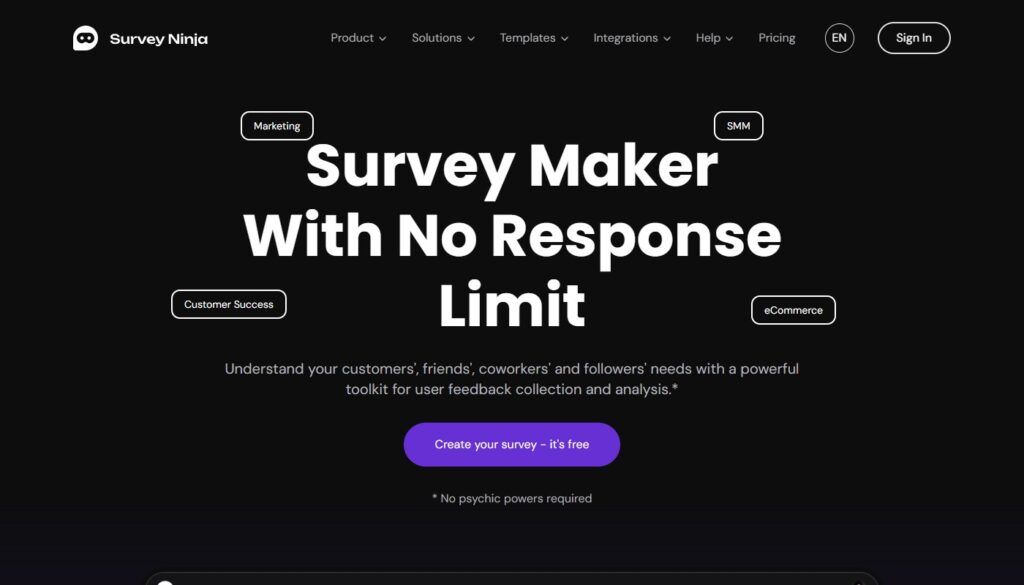
Understanding your audience is the cornerstone of any effective marketing strategy, and SurveyNinja makes that process genuinely easy and affordable. This feature-rich online survey platform lets you create, distribute, and analyze surveys with a clean, user-friendly interface that respondents actually enjoy using — which matters far more than most marketers realize. A survey people want to complete returns far better data than one they abandon halfway through.
SurveyNinja supports a wide variety of question types: multiple choice, rating scales, open-ended, matrix questions, ranking, and conditional logic that routes respondents to different questions based on their answers. The results dashboard is clean and easy to read, with basic analytics built in so you can identify patterns in your data without exporting everything to a spreadsheet.
What I recommend SurveyNinja for most often is pre-launch validation. Before you create a product, write a content series, or launch a new service offering, surveying your existing audience about their needs and pain points is one of the highest-ROI activities available to you. SurveyNinja makes it fast enough that there’s genuinely no excuse not to.
The platform also works brilliantly for customer satisfaction research, email list segmentation (combine survey results with ConvertKit or Mailchimp to tag subscribers based on responses), and quarterly audience check-ins that keep your content strategy grounded in what your audience actually wants rather than what you assume they want.
- Price: Free plan available; paid plans from $19/mo — excellent value
- Best for: Audience research, product validation, customer satisfaction, list segmentation
- Pros: Easy survey creation, varied question types, clean results dashboard, embeds anywhere, affordable
- Cons: Fewer integrations than enterprise survey tools; less brand recognition than SurveyMonkey
Pro Tip: Embed a SurveyNinja survey directly in a blog post to collect reader feedback and qualify leads simultaneously. Best Calculator and Form Builders — for lead-capture-focused data collection
#4 — Buffer: Best for Social Media Scheduling
Social media consistency is one of those things that sounds simple but is genuinely difficult to maintain while running a business. Buffer solves this by letting you schedule posts across multiple platforms — Instagram, Facebook, Twitter/X, LinkedIn, Pinterest, TikTok — in batches, so you’re not scrambling to post something every day.
The interface is deliberately simple: write your post, add your images or video, choose which channels to publish to, set a time, and you’re done. Buffer’s analytics show you which post types and times perform best, so you can progressively improve your social strategy based on data rather than guesswork.
- Price: Free plan (3 channels, 10 posts per channel); paid from $6/mo per channel
- Best for: Bloggers, small businesses, solopreneurs who want social consistency without complexity
- Pros: Simple and clean, excellent free plan, affordable paid tiers, good analytics
- Cons: No social listening or engagement tools; limited team features on lower plans
#5 — ActiveCampaign: Best for Marketing Automation
ActiveCampaign is the tool I recommend to businesses that have outgrown Mailchimp and need marketing automation that actually matches the complexity of their sales process. The combination of email marketing, CRM, and automation in a single platform is powerful: you can set up behavioral email sequences, score leads based on engagement, notify your sales team when a lead hits a certain threshold, and manage an entire pipeline — all from one dashboard.
The learning curve is significant. ActiveCampaign is genuinely complex, and it takes time to set up well. But for businesses where the customer journey involves multiple touchpoints and a mix of automated and personal outreach, the ROI on that setup time is substantial.
- Price: From $29/mo (Starter plan, up to 1,000 contacts)
- Best for: Growing businesses, e-commerce brands, SaaS companies, coaches with complex funnels
- Pros: Best-in-class automation, built-in CRM, deep segmentation, excellent deliverability
- Cons: Steep learning curve; overkill for beginners; pricing scales with list size
Building Your Marketing Stack: A Practical Progression
Stage 1 — Just Starting (Free): Mailchimp (free) + Buffer (free) + SurveyNinja (free). Zero cost, covers all the basics.
Stage 2 — Growing (~$50–70/mo): ConvertKit + Buffer (paid) + SurveyNinja (paid). Better automation and segmentation as your audience grows.
Stage 3 — Scaling ($150+/mo): ActiveCampaign + Buffer + SurveyNinja + dedicated analytics. Full automation and CRM capability.
Add SEO tools and form/calculator tools to round out your stack, and you have everything you need to build, capture, nurture, and convert an audience professionally.