
Choosing the right website builder is one of the most important decisions you’ll make for your online presence. Make the wrong call, and you’ll spend weeks migrating away from a platform that doesn’t serve your needs. Make the right one, and you’ll have a professional, functional website live within days — one that can grow with you for years.
I’ve personally tested more than 30 website builders over the past decade. These five are the ones I recommend most often, based on real hands-on use across different types of projects — from personal blogs to small business sites and online stores.
Already know which platform you want? Jump straight to the step-by-step setup guide: How To Create Your Own Website
How I Evaluate Website Builders
- Ease of use: How fast can a beginner get a professional-looking site live?
- Design quality: Are the templates actually good, or just good enough?
- Feature depth: What’s included at each price point without expensive add-ons?
- SEO capabilities: Can you realistically rank on Google using this platform?
- Value for money: Does the price match what you’re getting?
- Flexibility: Can the platform grow with you as your needs evolve?
#1 — Wix: Best Overall Website Builder
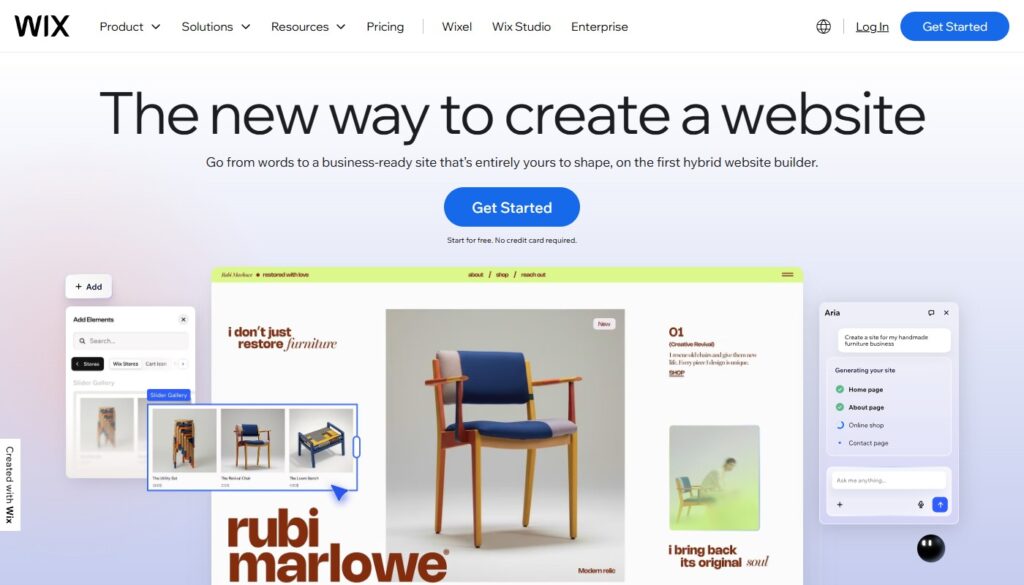
Wix is the most versatile all-around website builder available . With a true drag-and-drop editor that lets you place elements anywhere on the page, over 900 professionally designed templates, and an App Market with 300+ integrations, Wix gives you more design freedom than any other builder in its price range.
The Wix ADI (Artificial Design Intelligence) feature is genuinely impressive — answer a few questions about your business and it auto-generates a customized website in minutes. You can then edit it freely. For businesses that need to go live fast, it’s a remarkable starting point.
- Price: Free plan available; paid plans from $17/mo
- Best for: Small businesses, bloggers, creatives, online stores
- Pros: Unmatched design freedom, 900+ templates, massive app ecosystem, solid SEO tools
- Cons: Can’t switch templates after publishing; free plan shows ads
Deep dive: Wix Review — read my full in-depth breakdown of features, pricing, and who it’s really for
#2 — Squarespace: Best for Creatives and Portfolios
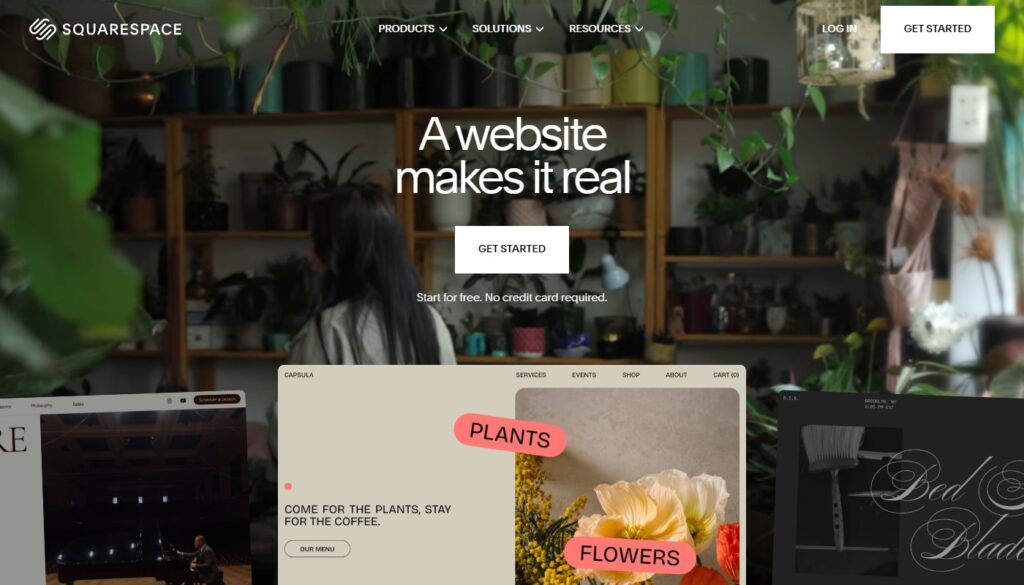
If aesthetics are your primary concern, Squarespace wins. Every template is beautifully crafted by professional designers, all fully responsive, and all reflecting a level of visual polish that no other builder consistently matches. For photographers, designers, architects, and boutique e-commerce brands, Squarespace is the natural home.
The trade-off is flexibility — Squarespace is less customizable than Wix. But for users who want stunning results within a structured framework, that constraint is actually a feature, not a bug. It’s very hard to make a Squarespace site look bad.
- Price: From $16/mo (annual billing); no free plan
- Best for: Portfolios, photography, small boutique shops, professional services
- Pros: Stunning templates, excellent built-in blogging, strong e-commerce tools
- Cons: Less flexible than Wix; higher starting price; no free plan
#3 — uKit: Best for Small Business Websites
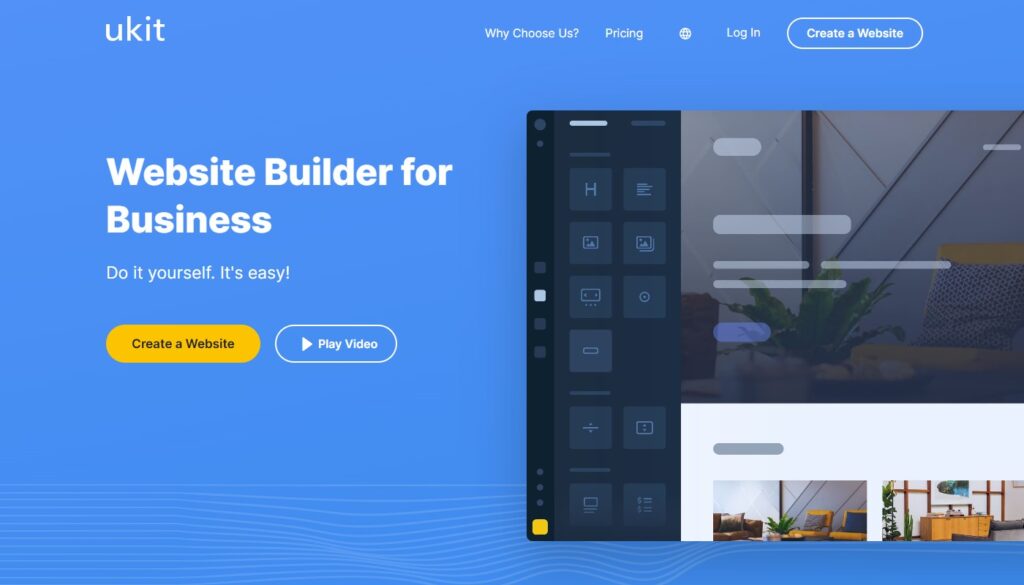
uKit is the hidden gem on this list, and it’s one I recommend constantly to small business clients. Where most budget website builders feel like budget website builders, uKit feels deliberately designed for business owners who want to look credible and professional without a large investment of time or money.
The editor is clean and easy to navigate, the templates are business-focused (think service providers, local shops, consultants, and freelancers), and the pricing is genuinely some of the best value in the market. At starting prices significantly lower than Wix or Squarespace, you get a full-featured builder capable of producing highly professional results.
What sets uKit apart is the widget ecosystem. The platform includes built-in tools for contact forms, booking widgets, image galleries, and social proof elements — the functional components that small businesses actually need, included without an app marketplace upcharge.
- Price: From $4/mo — the best value on this list
- Best for: Service businesses, local entrepreneurs, consultants, freelancers
- Pros: Outstanding value, business-focused templates, clean UX, fast setup
- Cons: Smaller template library; less well-known in Western markets
⚡ Pro Tip: Pair uKit with an interactive calculator to capture more leads from your site. Best Calculator and Form Builders — uCalc integrates seamlessly with uKit
#4 — WordPress.com: Best for Content-Heavy Sites
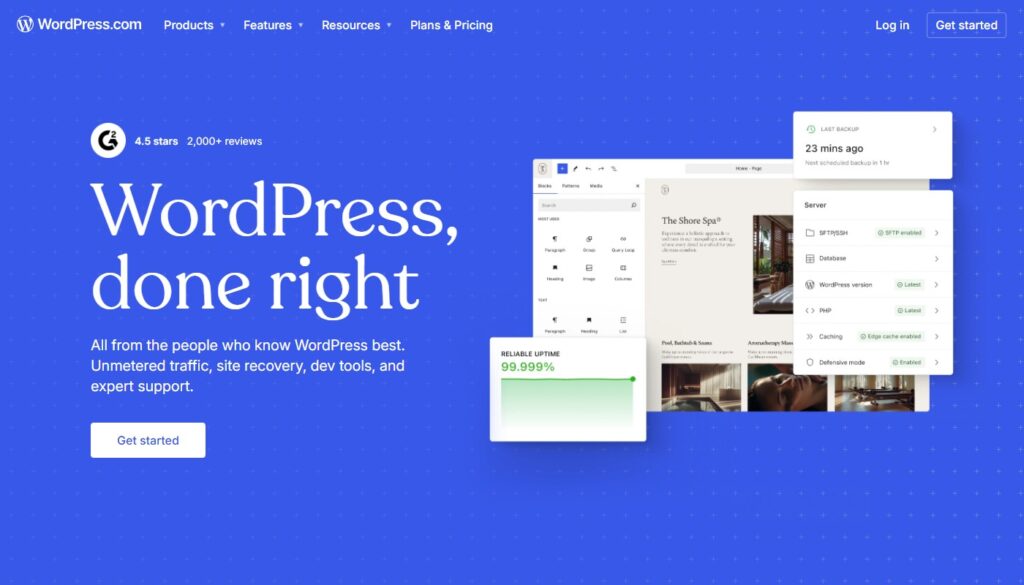
WordPress.com is the hosted, managed version of the world’s most popular content management system. If your website is primarily a publishing platform — a blog, news site, or content-driven business — WordPress gives you an unmatched ecosystem of themes, plugins, and SEO tools that no other builder can touch.
The learning curve is steeper than Wix or uKit, but the long-term ceiling is much higher. With the right plugins (Yoast SEO, WP Rocket, RankMath), a WordPress site can be optimized to a degree that drag-and-drop builders simply can’t match.
- Price: Free plan available; paid plans from $9/mo (self-hosted from ~$4/mo)
- Best for: Bloggers, news sites, content businesses, advanced users
- Pros: Unmatched plugin ecosystem, best long-term SEO, fully scalable
- Cons: Steeper learning curve; maintenance required on self-hosted version
Related Reading: How To Start A Blog And Make Money — covers platform choice in detail for new bloggers
#5 — Webflow: Best for Designers and Agencies
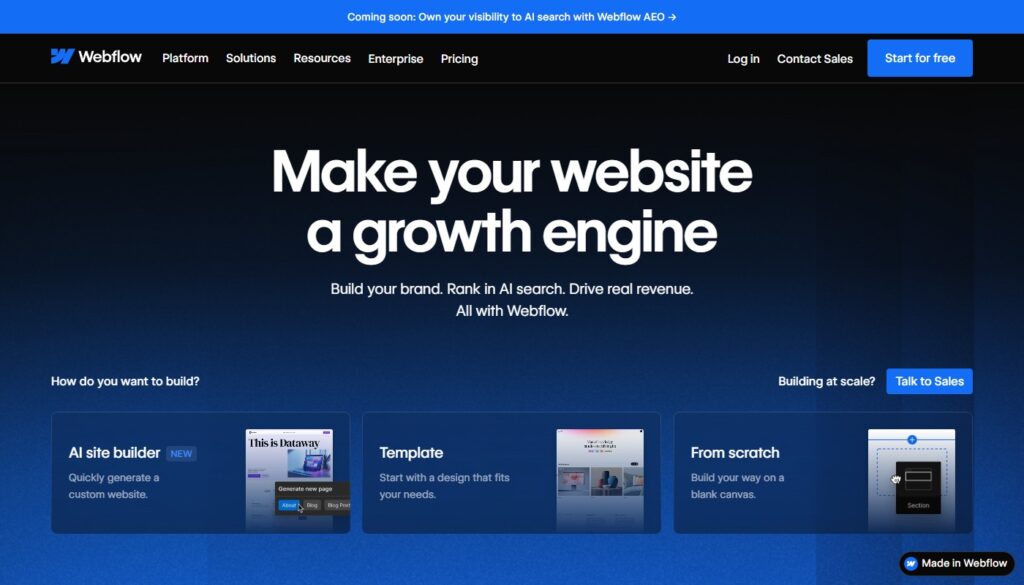
Webflow sits at the intersection of website builder and professional development tool. It gives designers complete visual control over layout, animations, and interactions while outputting clean, production-ready HTML, CSS, and JavaScript. If you understand web design principles and want to break free from template constraints, Webflow is exceptional.
- Price: From $14/mo (Starter); paid plans from $23/mo
- Best for: Web designers, creative agencies, developers wanting visual tools
- Pros: Pixel-perfect control, clean code export, powerful CMS for dynamic content
- Cons: Steep learning curve; overkill for simple sites
Which Builder Is Right for You?
Choose Wix for the best overall experience with maximum design freedom and integrations.
Choose Squarespace if your brand is visual and aesthetics are your top priority.
Choose uKit if you’re a small business owner who needs a professional site at a genuinely affordable price.
Choose WordPress.com if blogging and SEO are central to your long-term strategy.
Choose Webflow if you have strong design skills and need full creative and technical control.
You might also like: How To Create Your Own Website — the complete step-by-step launch guide
→ See also: Best Web Hosting — if you choose self-hosted WordPress, you’ll need a great hosting provider