
Online forms and interactive calculators are two of the most underutilized conversion tools available to website owners. A well-placed contact form captures leads. A pricing calculator pre-qualifies prospects and answers their most important question before they ever contact you. Done right, these tools work around the clock generating inquiries and data, so you don’t have to.
I’ve integrated form and calculator tools into dozens of client websites over the years, and I’ve developed strong opinions about which tools are genuinely worth your time and which are technically impressive but painful to use. Here are the five I recommend.
These tools work best embedded in a well-built website. If you haven’t chosen a platform yet, check out the Best Website Builders comparison first — all five tools on this list integrate with the top builders.
Why Calculator Tools Deserve More Attention
Most discussions of form builders focus on contact forms and surveys. But interactive calculators — pricing estimators, ROI calculators, loan calculators, quote generators — are often even more powerful for businesses that sell services or customizable products. A visitor who completes a pricing calculator and sees a realistic estimate for their project is far more likely to become a serious lead than one who fills out a generic “Get in touch” form.
They also reduce the time you spend on back-and-forth qualification emails. If your calculator asks the right questions, it pre-screens inquiries so that by the time someone contacts you, you already know their budget, timeline, and requirements.
#1 — Typeform: Best for Conversational, High-Converting Forms
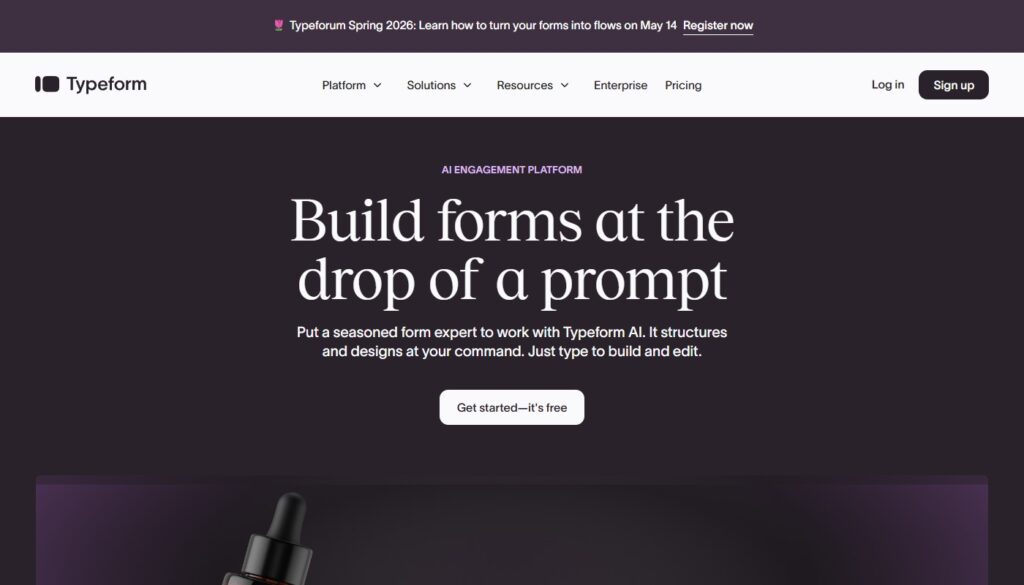
Typeform transformed form UX by introducing the one-question-at-a-time format. Instead of presenting a respondent with a daunting wall of fields, Typeform walks them through questions conversationally, one at a time. The result is dramatically higher completion rates compared to traditional forms — often 2–3x better by their own research.
The design is exceptional, the integration list is extensive (Slack, Mailchimp, HubSpot, Google Sheets, and hundreds more via Zapier), and the conditional logic allows you to build sophisticated multi-path forms without any coding. For lead generation, customer onboarding, and survey research, Typeform is the gold standard.
- Price: Free plan (10 responses/mo); paid from $25/mo
- Best for: Lead generation, surveys, quizzes, onboarding flows
- Pros: Outstanding UX, high completion rates, excellent integrations, logic branching
- Cons: Gets expensive at scale; response limits on free plan are very restrictive
→ See also: Best Online Marketing Tools — Typeform integrates with most of the tools covered there
#2 — JotForm: Best All-Around Form Builder
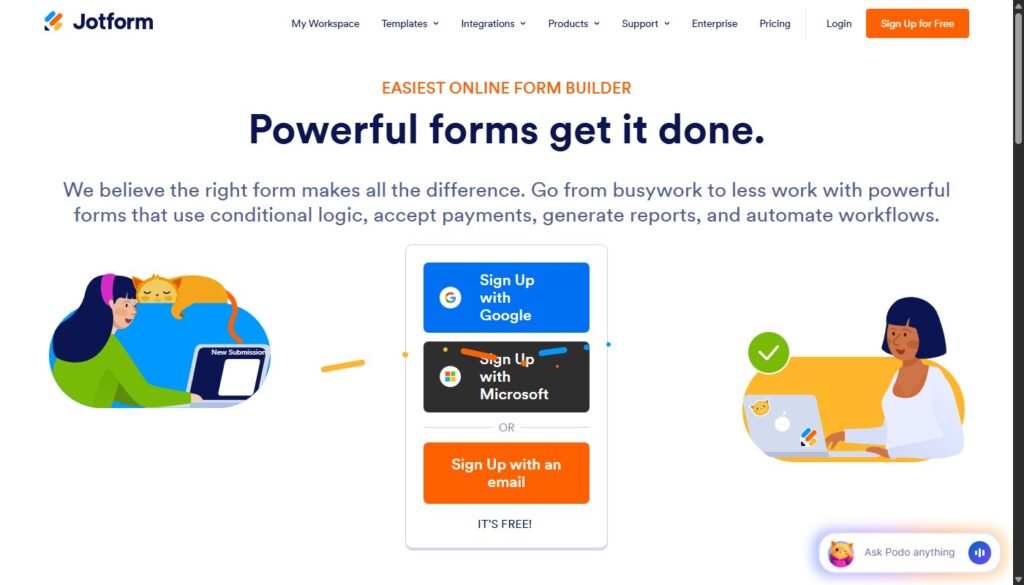
JotForm is the Swiss Army knife of form builders. With over 10,000 templates covering virtually every use case — from medical intake forms to event registrations to payment collection — it’s the most versatile option on this list. The drag-and-drop builder is intuitive, the conditional logic is powerful, and the payment integrations (Stripe, PayPal, Square) make it viable for lightweight e-commerce.
JotForm also includes a form approval workflow feature that’s genuinely useful for teams: submissions can route through multiple approvers before triggering a next action. For small businesses managing more complex intake processes, this alone can justify the subscription.
- Price: Free plan (100 submissions/mo, 5 forms); paid from $34/mo
- Best for: Complex forms, teams, healthcare, legal, payment collection
- Pros: 10,000+ templates, advanced logic, payment integrations, approval workflows
- Cons: Interface feels dated compared to Typeform; pricing jumps quickly
#3 — uCalc: Best for Interactive Calculators

uCalc is the most specialized and, in my view, the most underrated tool on this list. Purpose-built for interactive calculators and quote generators, it does one thing exceptionally well: lets you build complex, formula-driven calculators that embed anywhere and look completely professional, with zero coding required.
I’ve used Ucalc on client websites in service industries — home renovation, cleaning services, digital marketing agencies — and the impact on lead quality is consistently significant. Visitors who invest a minute or two in a pricing calculator are self-qualifying. They arrive in your inbox with a realistic expectation of cost, a clear description of their project, and genuine intent to proceed. That’s a completely different prospect from someone who clicked a generic “Contact Us” button.
Building a calculator in uCalc involves defining variables (e.g., square footage, number of rooms, service tier), writing formulas to calculate results, and customizing the visual design. The interface makes this genuinely accessible to non-technical users. Result styles range from a simple price display to a detailed breakdown, email capture gate, or PDF summary. The widget embeds with a single line of code into any website builder.
- Price: Free plan available; paid plans from $9/mo — outstanding value for the feature set
- Best for: Service businesses, agencies, SaaS pricing pages, real estate, financial services
- Pros: Purpose-built for calculators, easy formula builder, embeds anywhere, very affordable
- Cons: More specialized than general-purpose form builders; smaller community
uCalc works with every website builder on our list, including uKit, Wix (my review), and WordPress. Best Website Builders — choose the right platform for your calculator-powered site
#4 — Gravity Forms: Best for WordPress Power Users
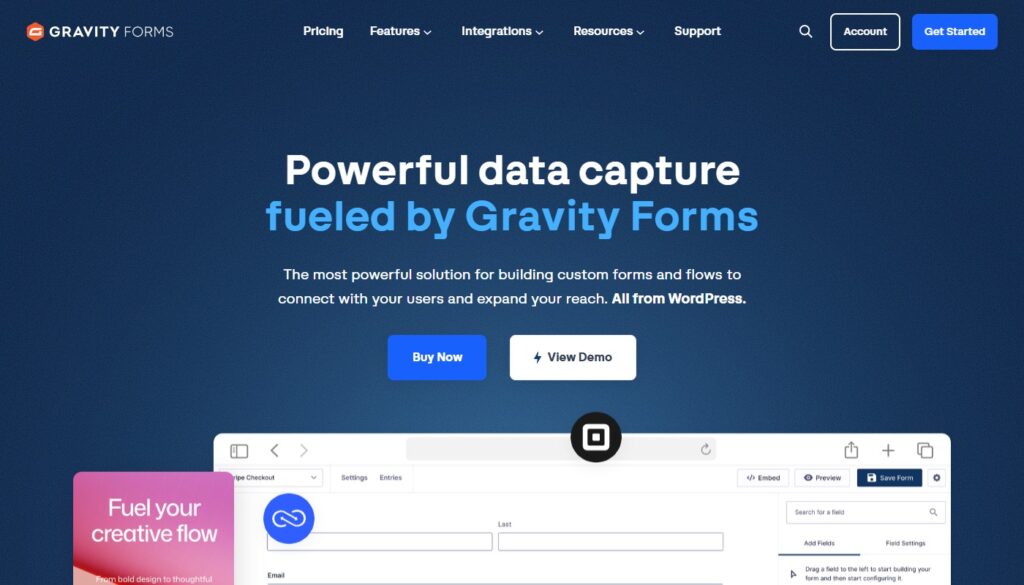
Gravity Forms is the most powerful form solution in the WordPress ecosystem. With a rich add-on library (Stripe, PayPal, Mailchimp, HubSpot, Salesforce, and more), multi-page forms, advanced conditional logic, file uploads, and notification routing, it handles the most demanding form use cases without breaking a sweat.
The pricing structure — a flat annual fee rather than per-submission pricing — is a genuine advantage for high-volume sites. If you’re running a WordPress site with hundreds or thousands of monthly form submissions, Gravity Forms becomes more economical than Typeform or JotForm very quickly.
- Price: From $59/year (Basic); $159/year (Pro); $259/year (Elite with all add-ons)
- Best for: WordPress sites, high-volume forms, complex workflows, payment processing
- Pros: Extremely powerful, flat annual pricing, huge add-on ecosystem
- Cons: WordPress-only; no free plan; add-ons can push the cost up significantly
#5 — Cognito Forms: Best Free Option
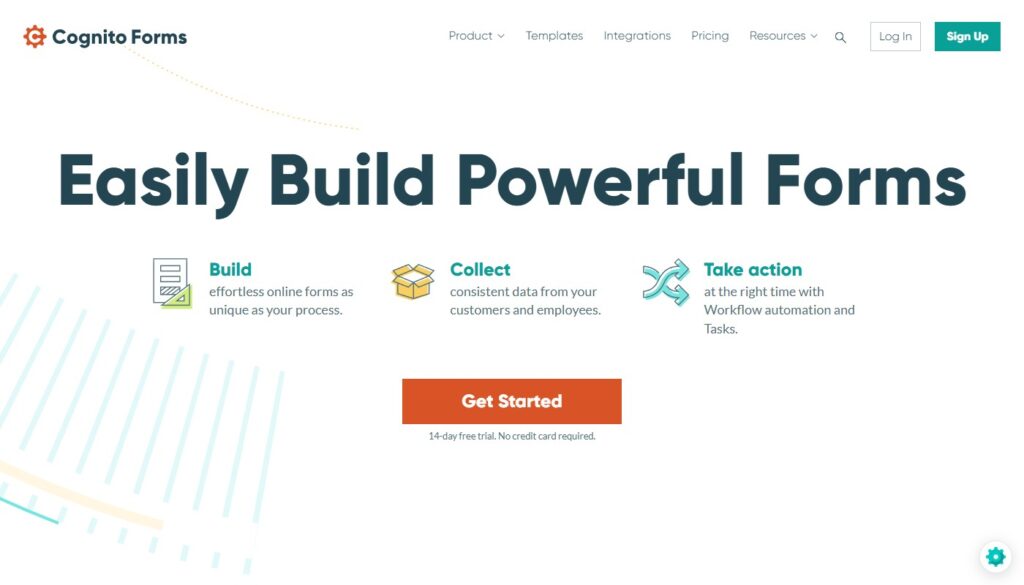
Cognito Forms is a surprisingly capable form builder with the most generous free tier of any tool on this list: unlimited forms and unlimited entries, with calculated fields, conditional logic, and even basic payment collection all included at no cost. For small businesses or individuals who need more than a basic contact form but aren’t ready to pay for a premium tool, it’s an honest starting point.
- Price: Free (1 user, unlimited forms/entries); paid from $15/mo
- Best for: Budget-conscious users, non-profits, simple small business forms
- Pros: Genuinely generous free plan, calculated fields, payment on free tier
- Cons: Limited design customization; Cognito branding on free plan
Which Tool Is Right for You?
Choose Typeform for beautiful, high-converting lead capture forms and surveys.
Choose JotForm for the most feature-rich all-around form builder with payment processing.
Choose Ucalc when you need an interactive pricing or ROI calculator on your site. Nothing else comes close.
Choose Gravity Forms if you’re on WordPress and need advanced forms with deep CRM integration.Choose Cognito Forms if you need a capable free option to start with today.